
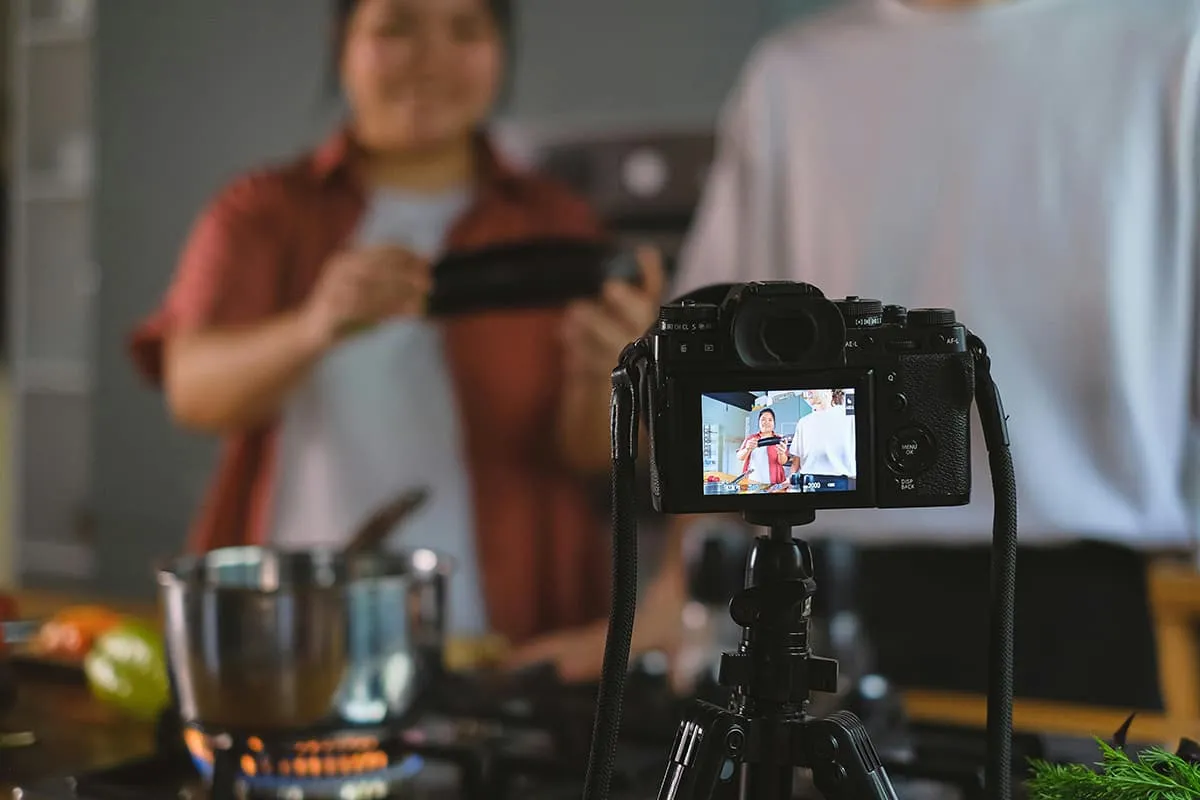

Food is not something that we simply taste; it is something we observe, something we hear, and something we touch. Cooking is not done on the plate alone in the modern digital kitchen. It stops at such sites as Instagram, YouTube, and Facebook, on which food videos unite like-minded chefs with interested consumers. However, the recipe is not the only key to creating captivating culinary videos: it includes story narration, visual content, and a sense of clarity.
You can be a homemaker who wants to capture your food adventure and share it in the future or just a blogger who wants to expand their food blogs on the internet. This guide will teach you how to produce high-quality food videos without noise, clutter, or distraction. Along with it, we will present one more creative video editing platform, Pippit by CapCut, where you can make your dishes come to life on the screen, and it does not involve any technical tricks either.
1. The Right Angle-Literally
The composition begins with great food videos. Just as you take care to plate up on the dish, you ought to purposefully frame every dish. Overhead angles are good with flat lays such as charcuterie boards or baking compositions, and 45-degree angles are perfect when it comes to plating pasta or stacking burgers.
Hint: Try using natural light. Place your dish close to a window where the sunlight is diffused, and the artificial light should not be harsh at all; it produces the wrong shadows.
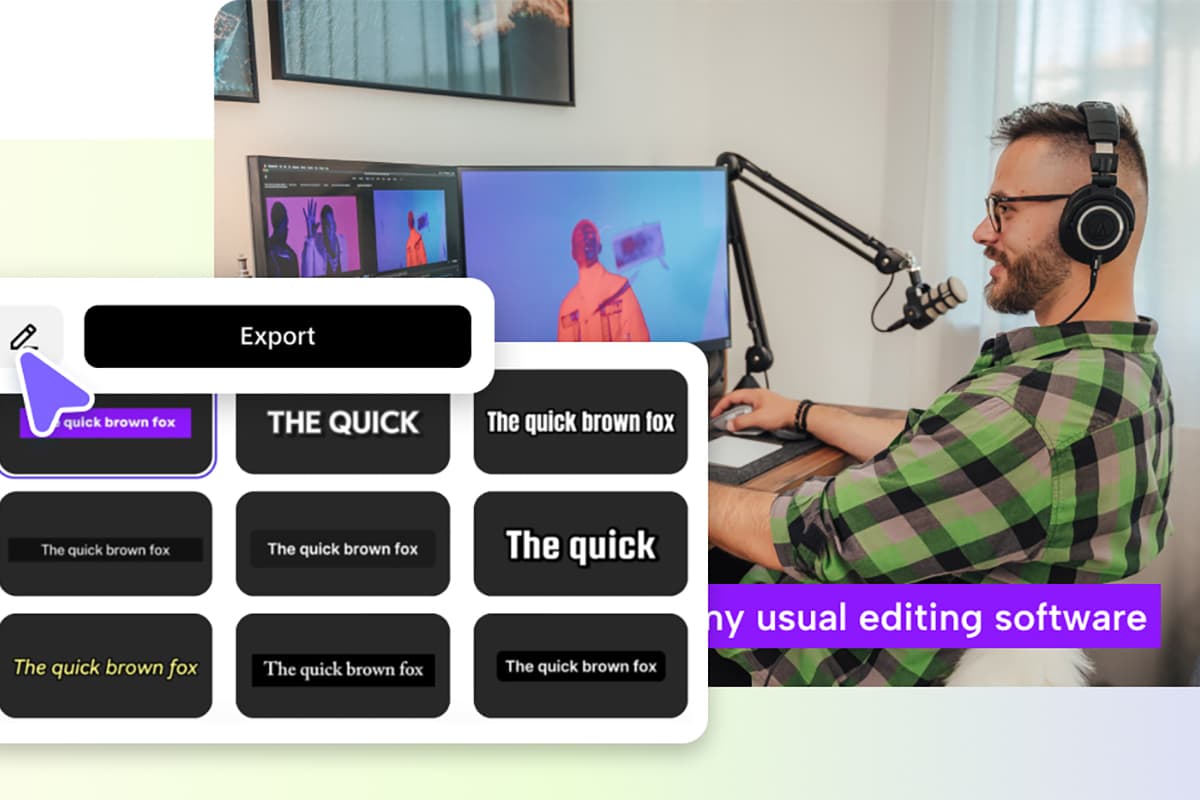
2. Clean and Straight to the Point
It is one of the biggest turn-offs for the viewers? Visual clutter. The food should not compete with your background. The neutral-color and clean surfaces coupled with simple props, such as wooden boards or white dishes, or soft linen, are most appropriate. Dispose of any packaging or unused utensils, and distracting items within the frame.
Bonus: In case you have already recorded something, forgetting about distracting elements or background noise, all is not lost. It is easy to strip audio off video on Pippit by CapCut to make sure that your audience remembers what they see about your food and not your messy kitchen.
3. Visual Storytelling
Food videos do not merely follow a set of instructions: they are short stories. Give a story to your audience: What was the motivation behind the recipe? Why is your approach special? What are your feelings about the resultant dish?
Divide your video into three simple steps:
- Introduction - A couple of seconds' depiction of the completed dish in all its glory.
- Process - Clean, step-by-step record of products, cutting, cooking, and assembly.
- Result - A delicious picture of the last plate, possibly even with someone taking a bite!
4. Short Video Big Impact
The modern-day audiences are a hungry lot in need of easy-to-consume material. On Instagram and TikTok, videos under 1 minute will be the most effective, unless you are filming an informative tutorial in a detailed recipe breakdown, then post it on your YouTube channel. In longer recipes, you may want to design teaser clips or reels that will be used to market the video on other platforms.
In case you need to cut your scene, and it is too long to go and do it on a server, Pippit by CapCut provides you with all the features to trim, rearrange, and improve your video with clear and understandable tools, only on your desktop browser.
5. Make use of Captions and On-Screen text
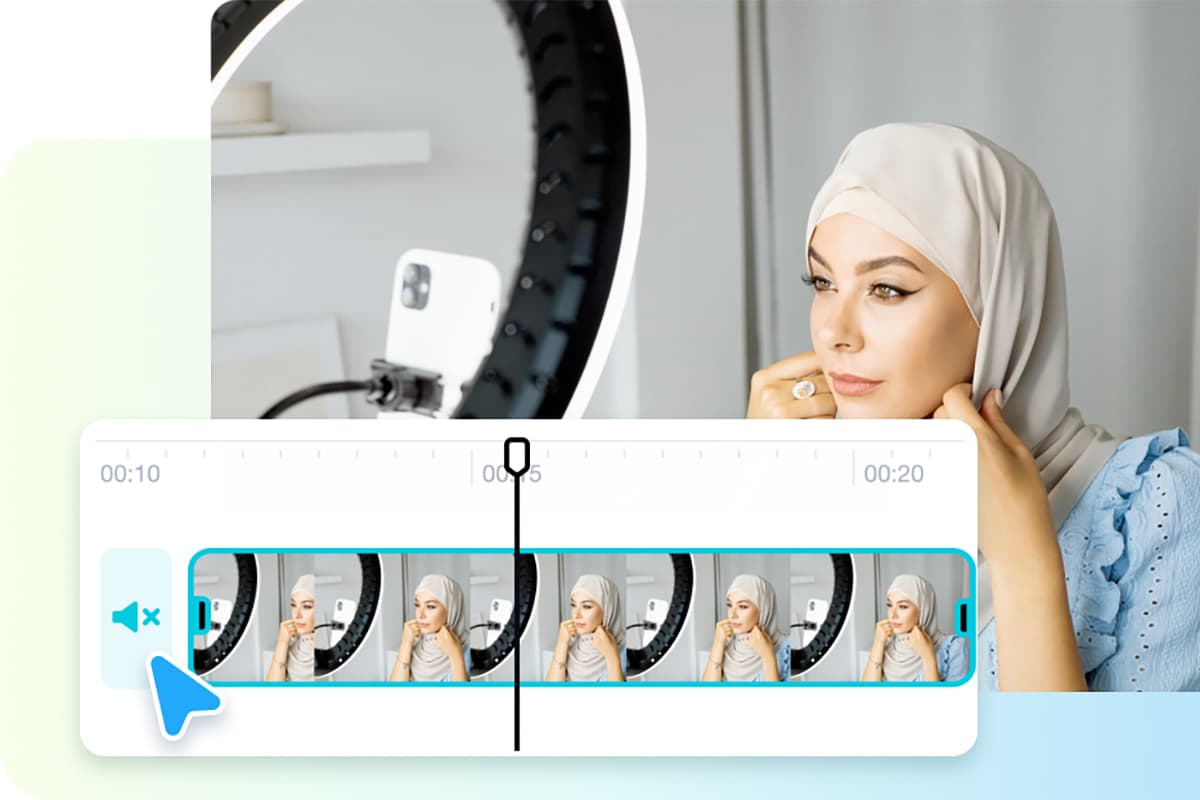
Social media videos are mostly viewed with sound off by many viewers. That is where the screen text comes in handy. Including brief names of the ingredients, measures and steps helps the viewers follow along.
When you lack the knowhow to design or to edit, text to video AI tool in Pippit by CapCut can turn any script into an appealing piece of visuals, with typography and transition choices. Simply copy and paste your text, and you will see it turn into a professional-looking food video.
6. Sound or Silence
Background sounds in the kitchen are a hit - and a miss, left alone, the sizzle of meat, the crunch of crust, the bubbling of a stew, and exclusive traffic sounds. However, background mangles such as something making noise, conversation, or cars destroy the atmosphere.
Solution? Separate cooking sounds or cut them out altogether. Using Pippit by CapCut remove audio from video tool, you are able to eliminate all the unwanted noise and replace it with some music or voiceover, and you will make your videos serene and clear.
7. Add Some Music that Fits the Mood
There is music to create the mood. The tutorial on a cozy soup can request a calm acoustic kind of tune, whereas a big-time tour of street food can use too sprightly tunes. The user can add, adjust, fade, and take into account every beat of music with the help of CapCut's built-in music tools in the Pippit editor.
8. Roll Film and Edit
Cooking is a mess, and it is not possible to capture a video of every step, which may kill your pace. Rather, shoot several recipes on a single day. Clean up between takes and shoot all the top-down shots at once.
When you are done with the recording, you can load your footage on your computer to perform a batch editing process on Pippit by CapCut. It saves time and will enable you to develop a cohesive aesthetic in your food series.
9. Platform-Optimize
One format works better on one social media than others. YouTube cooking videos can have a narration, whereas Instagram reels have to capture the attention within seconds and remain in vertical formats.
With Pippit by CapCut, we provide flexible export options, which means that you can size your videos to fit each and every platform exactly -forget about re-editing.
10. Be Consistent with Your Signature Look
Consider your food videos a part of a brand. Do you prefer your style to be rustic and homey? Modern and slick? Light-hearted and colourful? Select recurrent font, filters, musi,c and editing technique.
Pippit by CapCut allows you to save templates or reload editing styles to keep a signature style to all your content with the ease of use of its tools.
The Pippit by CapCut Way to Edit Food Videos Easily
Pippit by CapCut could be considered an option in case you want to optimize your working process and make your videos look more professional with minimal adaptation. As a browser-based video editing studio, it has been created to take the needs of the creators into account, seeing how they have become aware of how convenient and flexible video editing software can be.
This is the benefit it has on food bloggers and culinary makers:
- With their remove audio from video tool, clean your material with no distractions at all.
- Use written recipes to create a video using the text-to-video AI, and it is ideal for making quick conversions.
- Save time by activating drag-and-drop actions, transitions, and pre-designed templates.
- Keep it under control with export options that fit Instagram, Facebook, and YouTube, among others.
- Edit on desktop with nothing to install, even in an ordinary browser.
- Discussed by the creators of food content, who emphasize visualizing a story and quality levels, Pippit by CapCut can make being creative and not being dragged into details.
Taste Test: Let the Food Speak Up
Clarity and simplicity are the first ones to be mentioned in the constantly expanding buffet of online food content. Both the viewers desire to see good food and be inspired to cook it, knowing its preparation process. Your food videos should be able to do just that by being prepared with good visuals, distraction-free, and presented with a compelling narrative.
And with Pippit by CapCut as your Sous-chef in the editing room, you are well prepared to transform raw files into masterpieces that are not accompanied by excess noise and tension, but only delicious moments presented on the screen.
Then push the button, turn on the stove ,and bring your cooking tale!
There aren't any comments left behind yet you can be the very first to comment!