
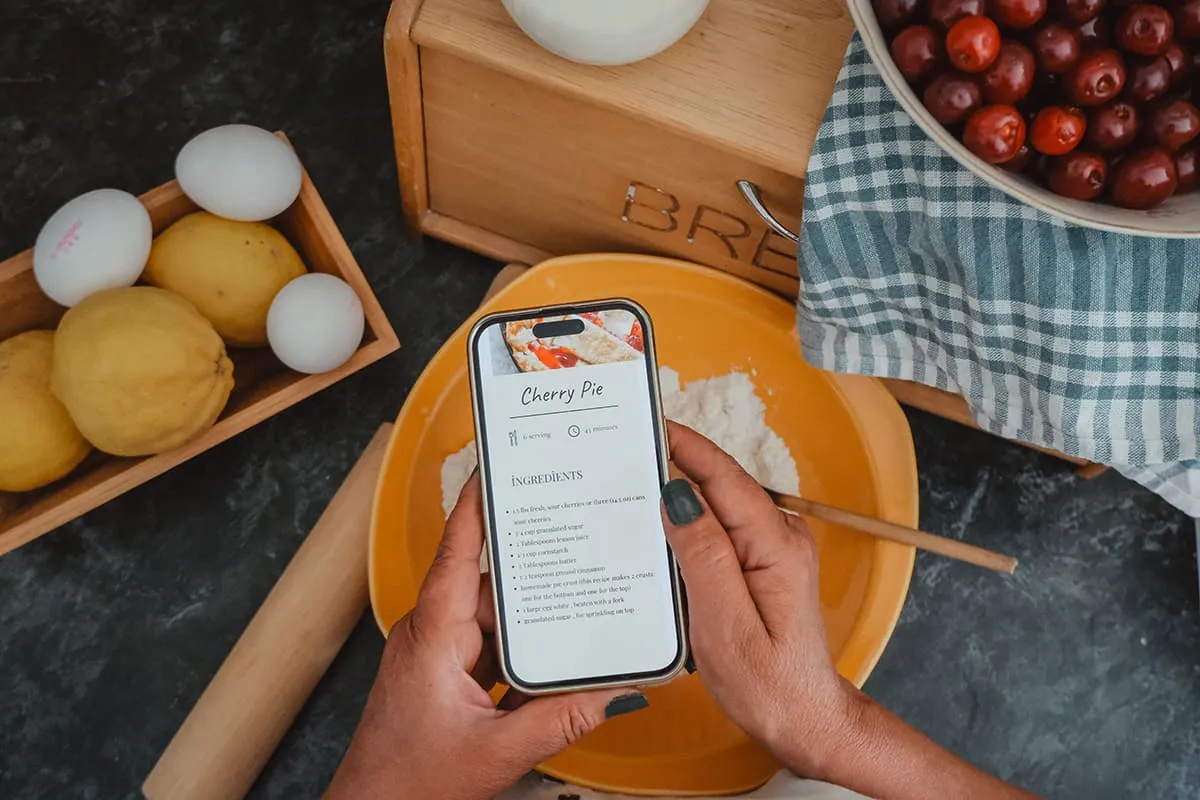

Everyone who cooks knows the heartbreak of losing a favorite recipe. Whether cooking is your hobby or profession, everyone has a collection of saved recipes. Some are handwritten, but these days most recipes are kept digitally and accidentally deleting recipe files can feel devastating.
The good news is that your files may not be gone forever. With the right approach and Free Data Recovery Software, you can often restore deleted files before they're permanently lost.
Why Recipe Files Get Deleted
Files can disappear for many reasons. You might accidentally empty your computers bin, format the wrong storage device, experience a system crash or all kinds of other reasons. In many cases, the data isn't really erased from your device.
Instead, the operating system simply marks the storage space as available, which means your files can often be recovered if you act quickly. The key is to stop using the affected device as soon as you notice the missing files. If you save new photos, recipes or documents to that same device, it could overwrite the deleted data, making recovery much more difficult.
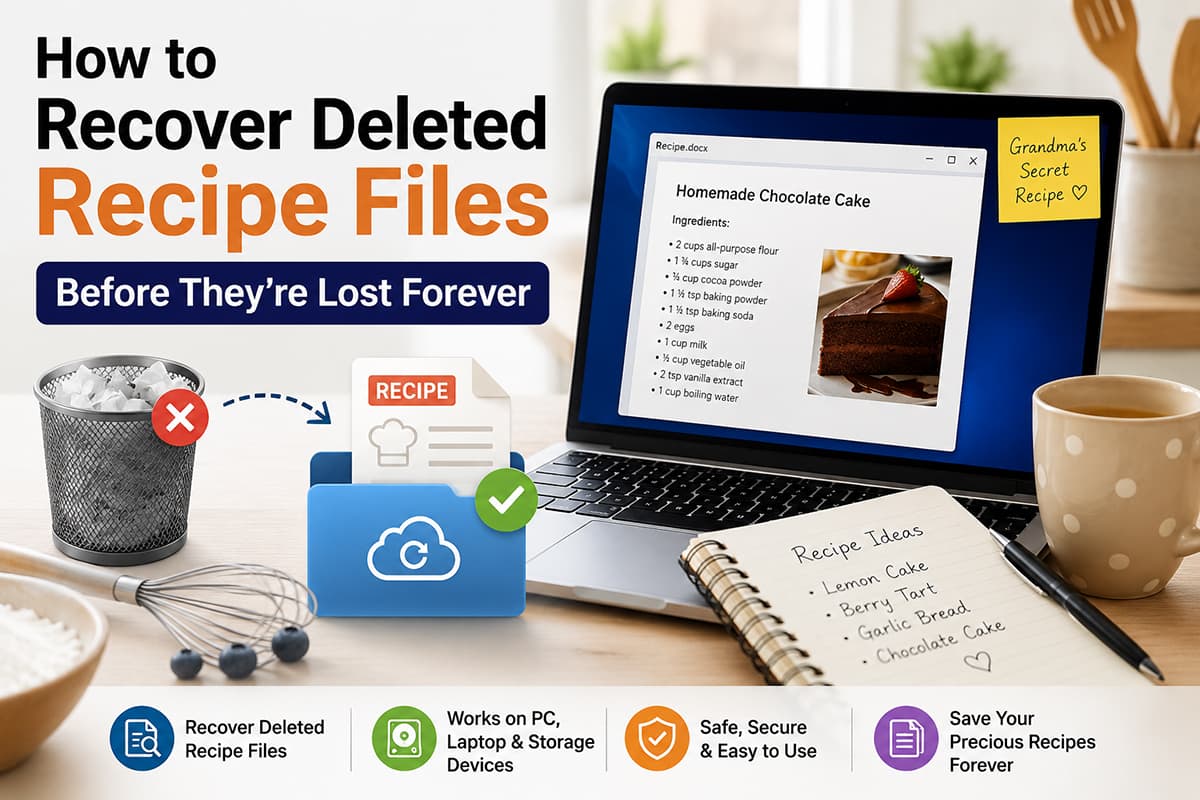
How Data Recovery Works
Data recovery starts with scanning your storage device for files that are still physically present but no longer visible through your operating system. These programs can identify deleted documents, PDFs, Word files, images and even spreadsheets that contain your recipes. Many recovery apps are designed with beginners in mind, which usually means it’s a simple step by step process.
What you do to start the process of recovering is choosing the drive to scan. Then you have to wait while the software searches for recoverable files. If files are found you’ll see a preview of the results and you can restore the files you need to a safe location.
Choosing Free Data Recovery Software
There is a lot of software out there to recover deleted recipes without spending money. Many free tools allow you to scan your hard drive, USB, SD card or external storage device for deleted files. When selecting recovery software, look for features such as:
- Support for multiple file format
- Preview option before recovery
- Compatibility with your operating system
- An easy-to-use interface
Using trusted software like Stellar Data Recovery Free can significantly improve your chances of successfully recovering your recipe collection.
Tips to Prevent Future Recipe Loss
While data recovery software can save the day, prevention is always better. Consider these simple habits to protect your digital recipe library:
- Backup your recipes regularly using cloud storage or an external hard drive
- Never backup in one place, a backup means a copy of the original files\
- Keep multiple copies of important family recipes
- Organize your recipe files into clearly labeled folders
- Enable automatic backups on your computer whenever possible
- Avoid deleting files unless you're certain you no longer need them
- Never empty your computers bin before thoroughly checking its contents
Final Thoughts
Losing your favorite recipes doesn't have to mean losing them for real. Thanks to reliable Free Data Recovery Software many deleted files can be restored with just a few clicks. If this is possible depends on multiple things, but if you act quickly and avoid overwriting the affected storage, it’s almost always possible.
If you've accidentally deleted a treasured family recipe, an entire cookbook or the next recipe for your blog, data recovery tools offer a great solution that can help you recover your valuable files. Pair recovery software with regular backups, and you'll have peace of mind knowing your delicious creations are protected for years to come.






There aren't any comments left behind yet you can be the very first to comment!